

Nehmen Sie am Aria Scavenger Hunt teil, um die Chance auf einen Anteil von 20.000 $ an Preisen zu erhalten.

Dein persönlicher Browser
Schneller, sicherer und intelligenter als ein Standardbrowser. Der Opera-Browser ist umfassend ausgestattet für den Schutz deiner Privatsphäre, Sicherheit und alles, was du online tust. Mehr erfahren
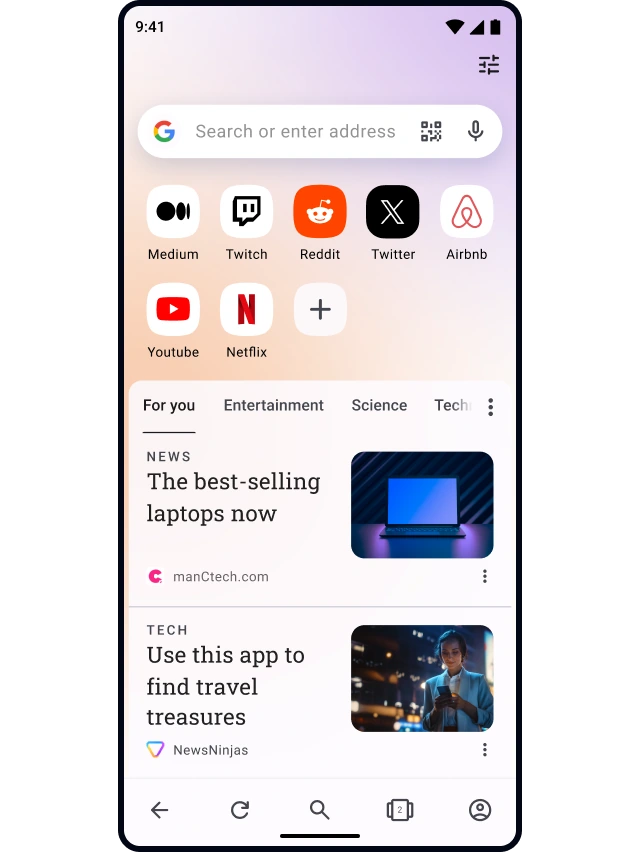
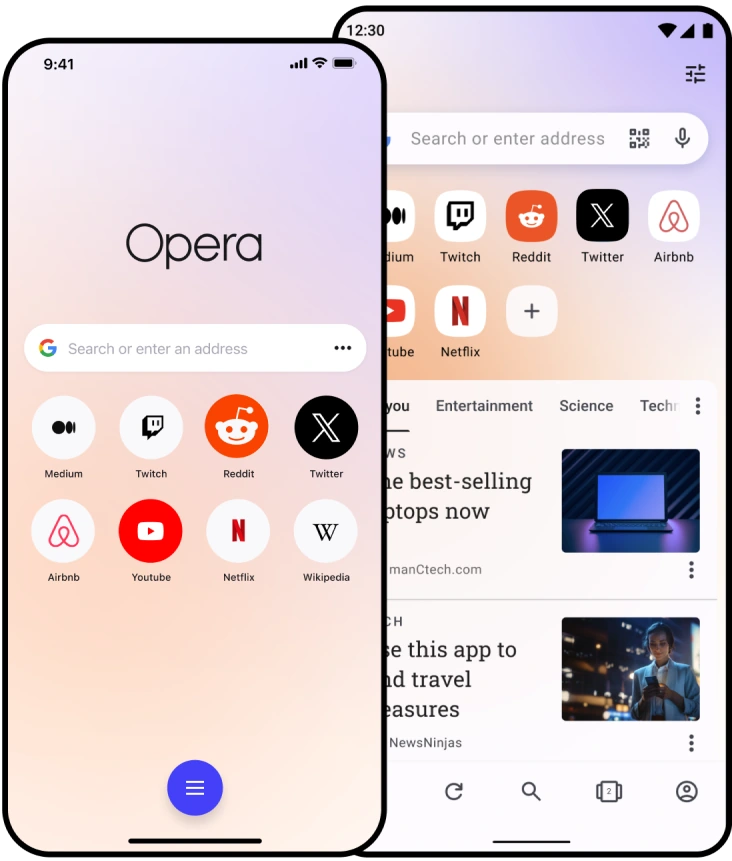
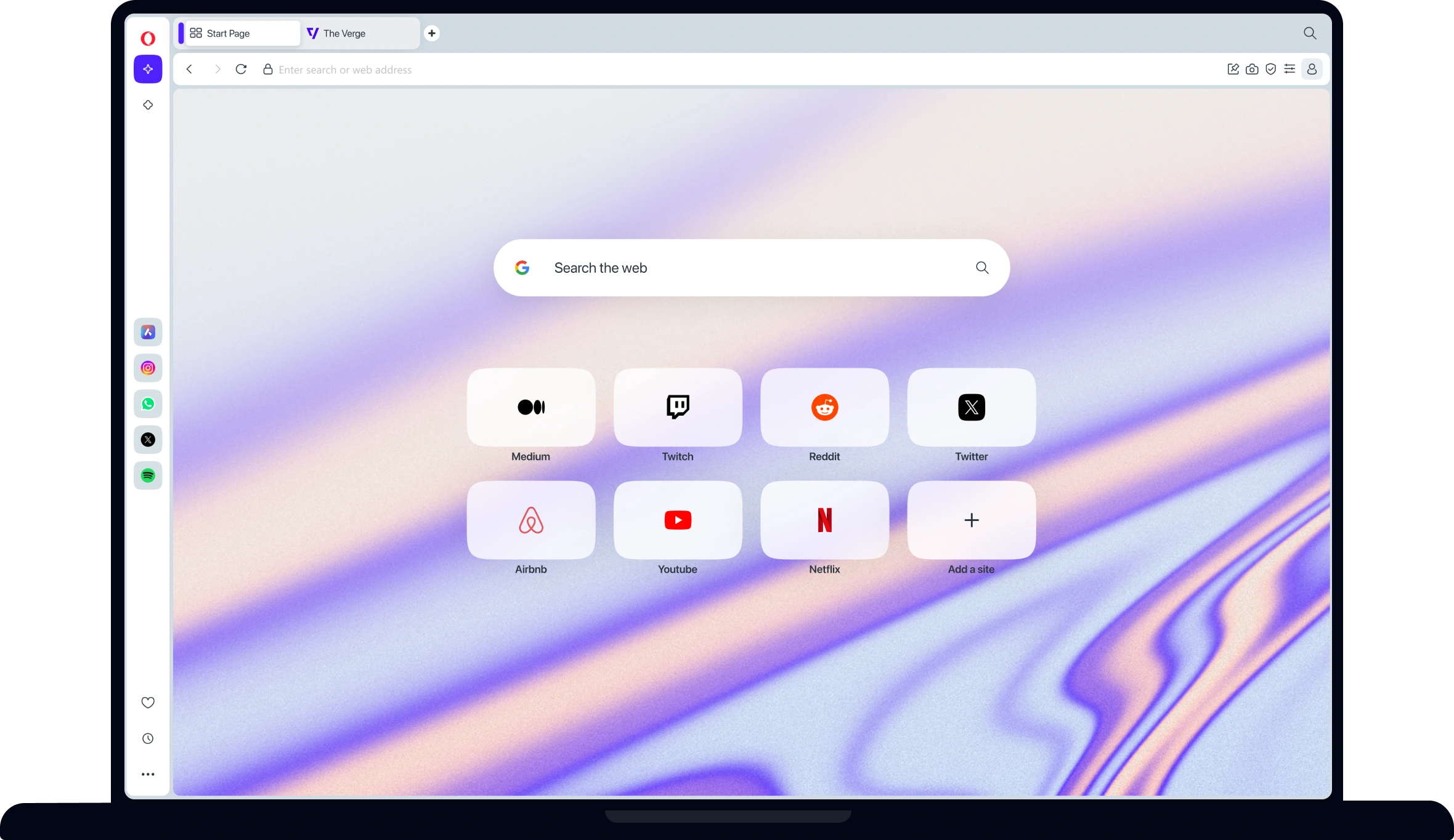
Nimm den Opera-Browser mit
 Sie haben kein Google Play?
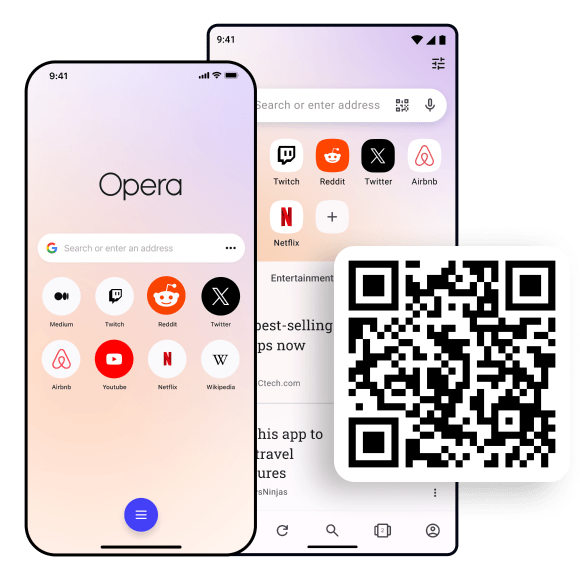
Laden Sie die App hier herunter Dies ist ein sicherer Download
von opera.com

Welche Möglichkeiten hast du im
Opera-Browser?
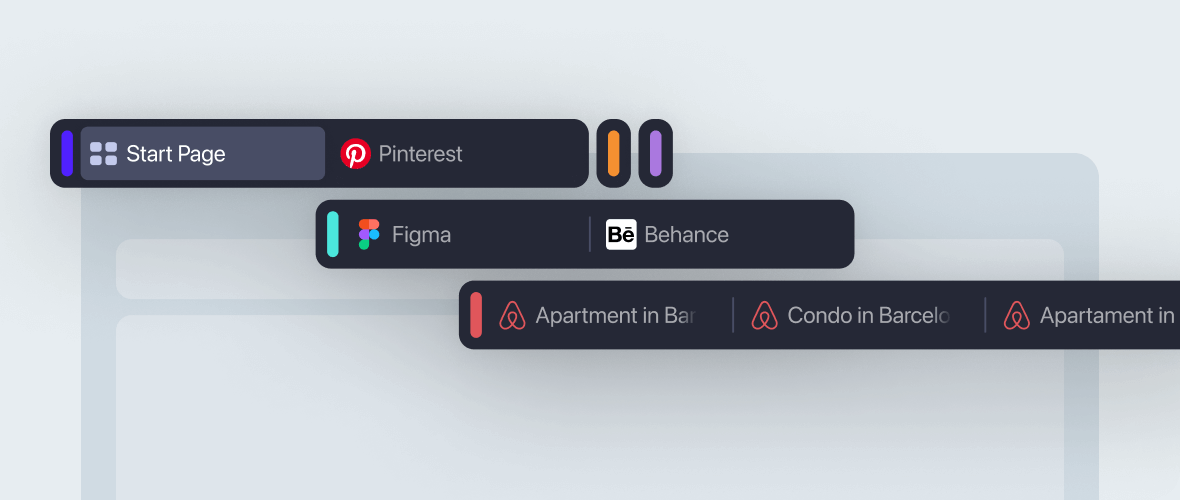
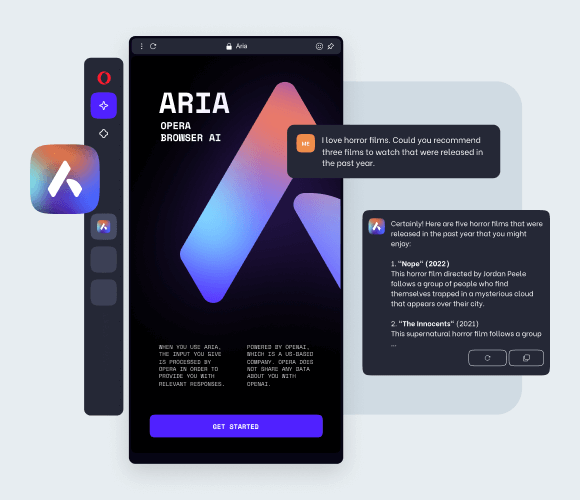
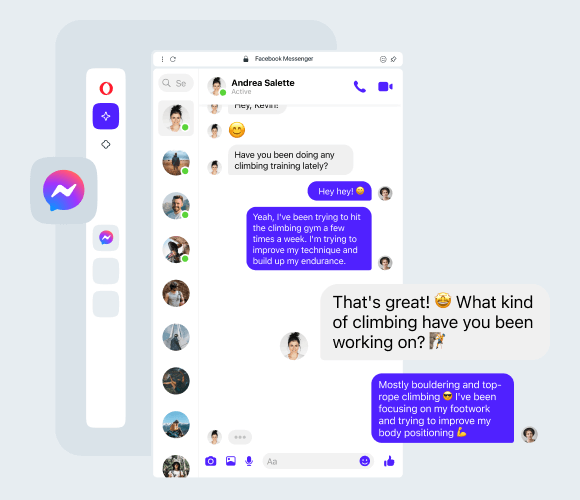
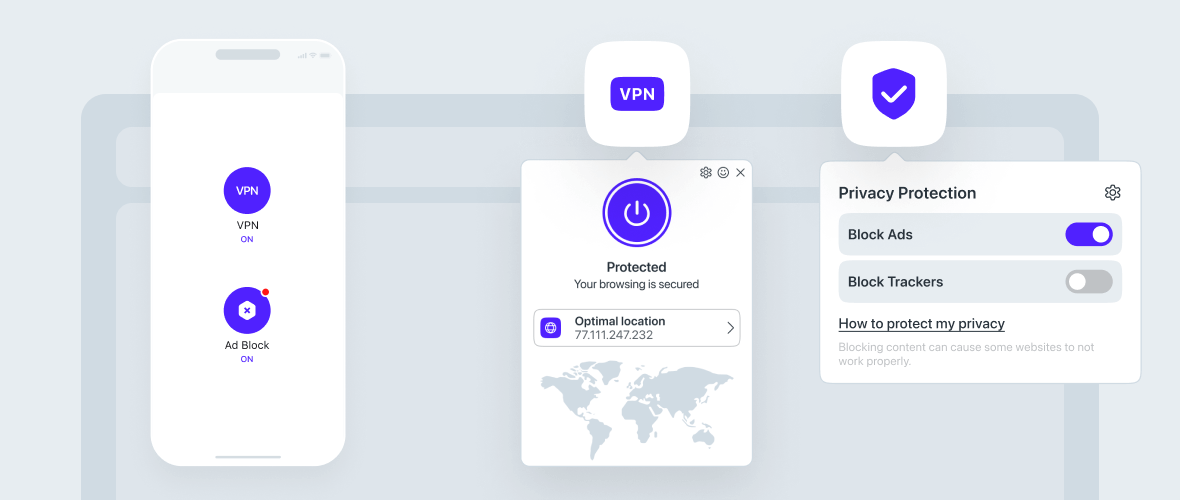
Schau, was neu ist!

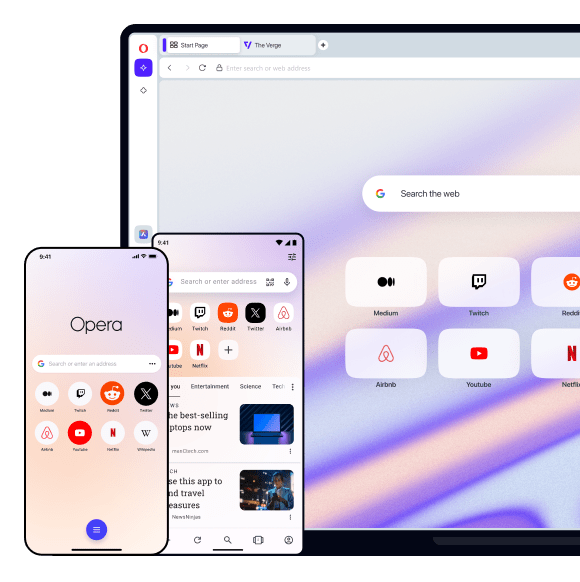




Ausgewählt von Millionen


Sicherheit, auf die Du dich verlassen kannst

Beweis für die Zukunft
Entdecke die Gaming
Produkte von Opera



Wer wir
sind
Opera ist seine Mitarbeiter. Internationale Teams aus Entwicklern, Designern, Forschern, Vermarktern und Support-Mitarbeitern, die in Europa, Afrika und Asien zusammenarbeiten, um die besten Online-Erlebnisse auf jedem Gerät zu schaffen. Ehrgeizig, experimentell und kollaborativ - wir lieben, was wir tun.
Du verdienst einen besseren Browser
Operas kostenloses VPN, Werbeblocker und Flow File Sharing. Dies sind nur einige der unverzichtbaren Funktionen von Opera für schnelleres, reibungsloseres und ablenkungsfreies Surfen, die dein Online-Erlebnis verbessern.